Tape
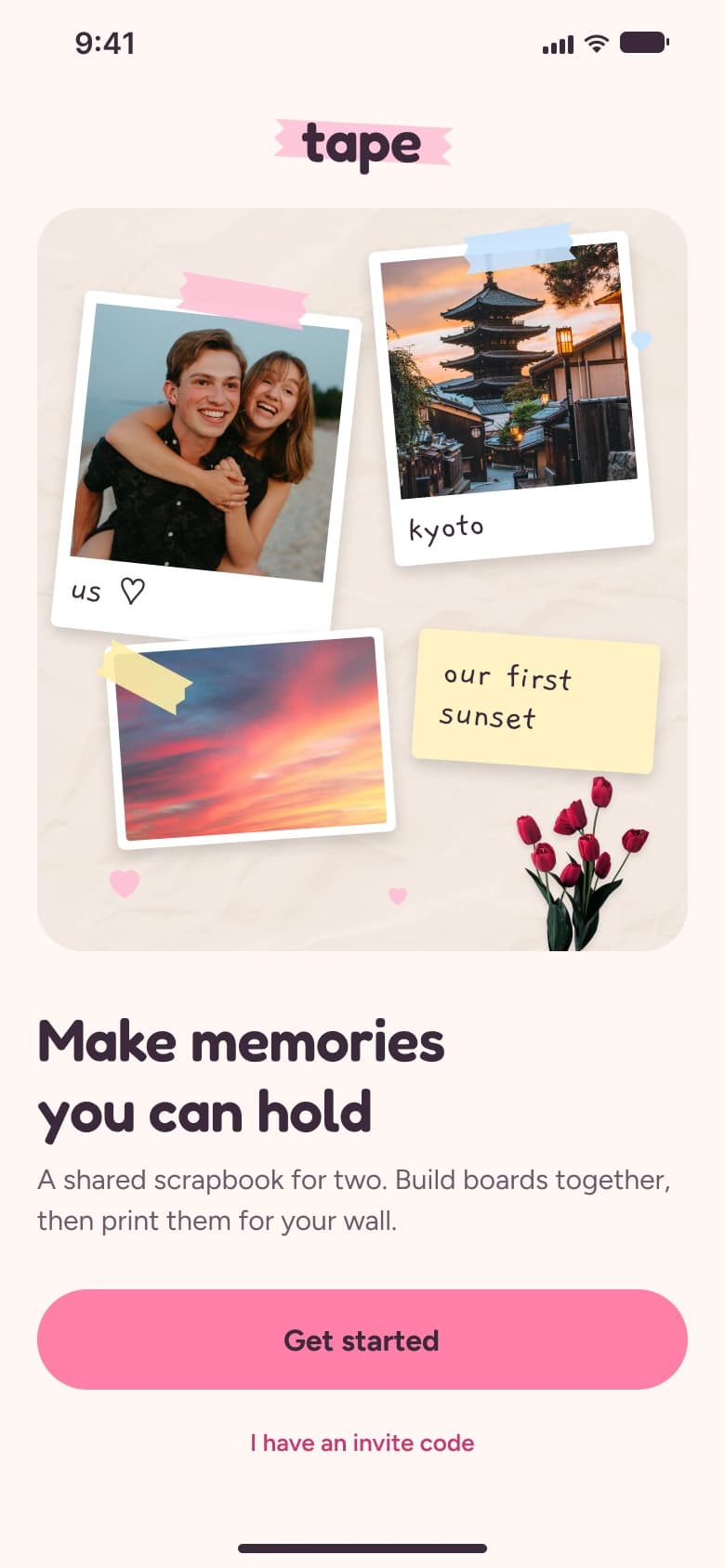
A shared scrapbook for couples. Build boards together with photos, washi tape, handwritten and voice notes — live, side by side — then print them for your wall.
- Role
- UX/UI & design system
- Year
- 2026
- Platform
- iOS
01
The idea
Couples take thousands of photos together and almost none of them leave the phone. Pinterest is great for collecting other people’s ideas, but it isn’t made for your own memories — or for two. Tape gives a couple one shared space to cut, tape and write on their photos together, and turns the result into something you can hold.
02
What I did
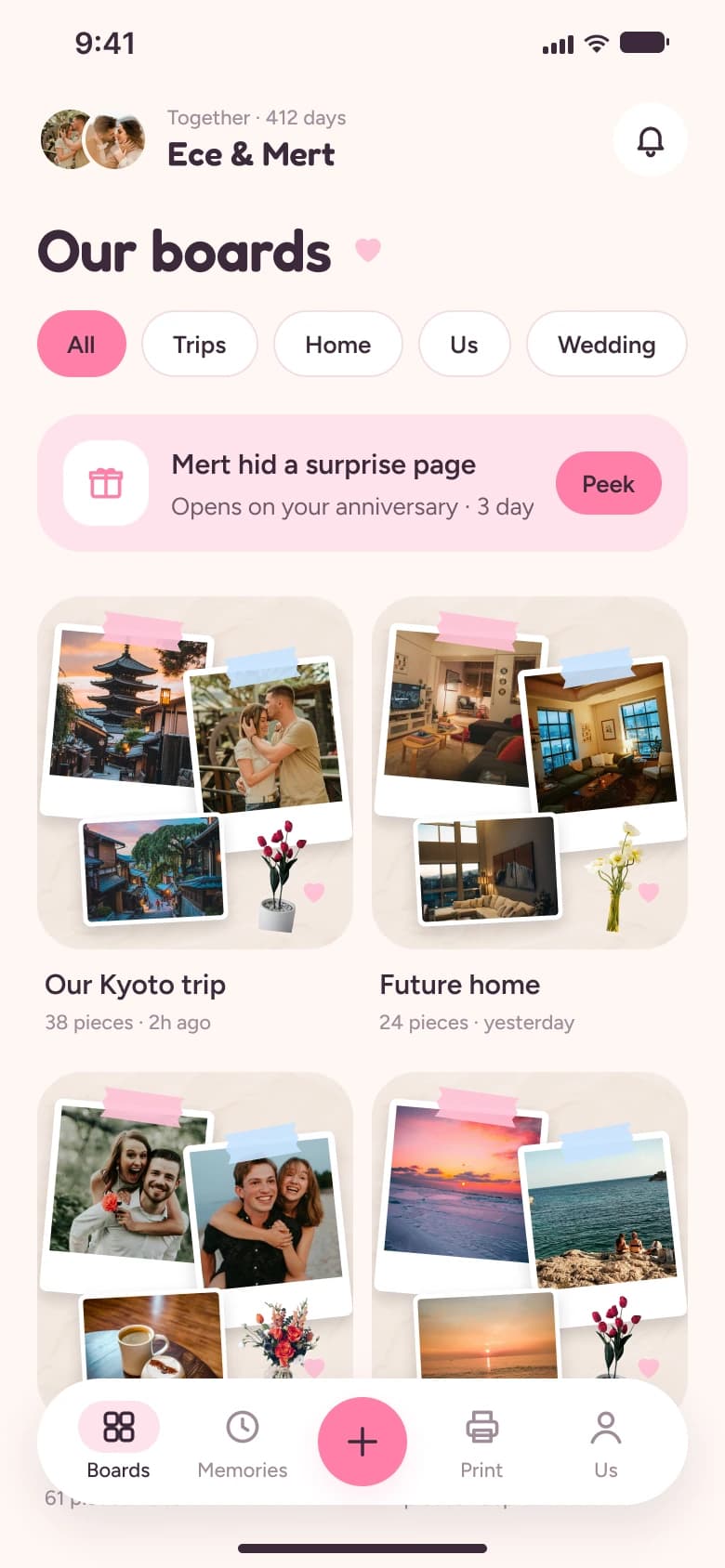
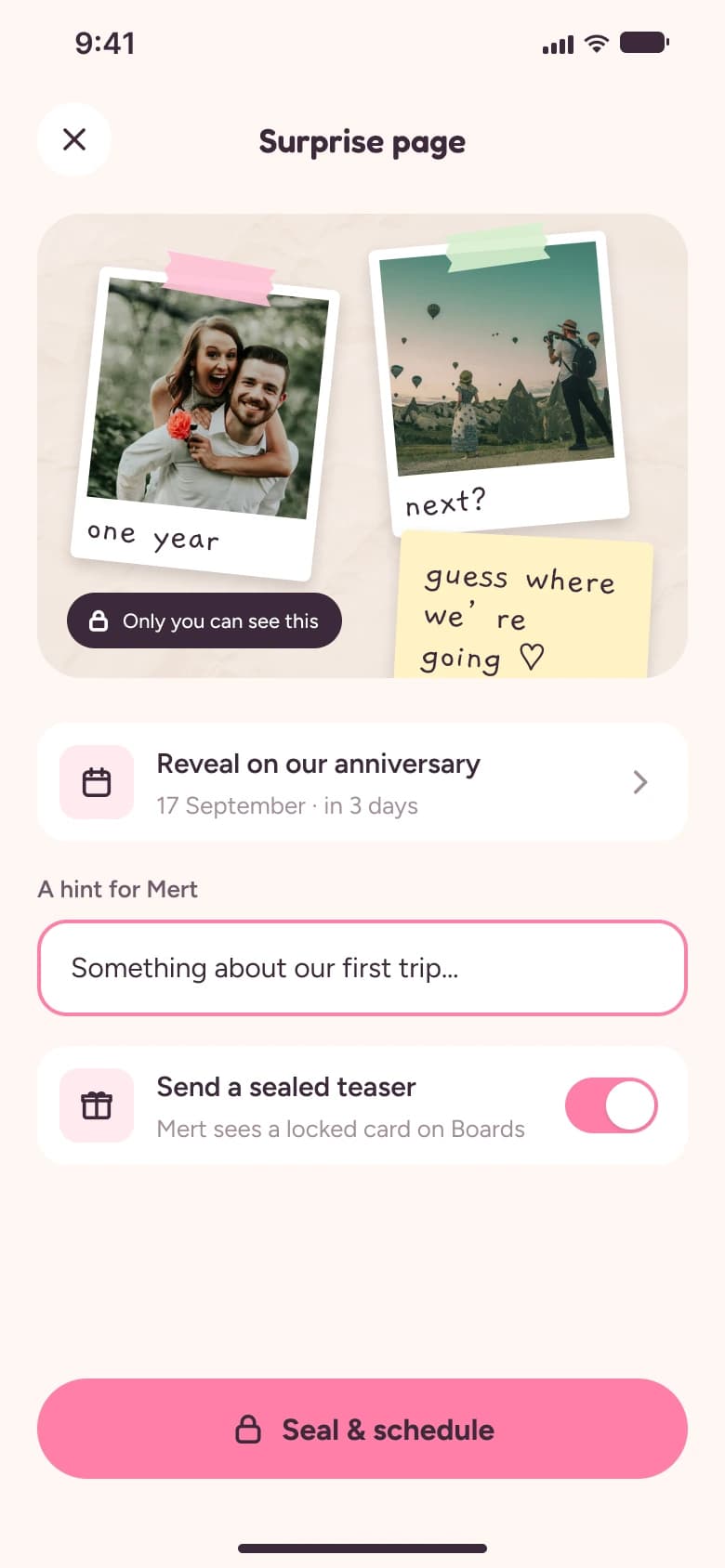
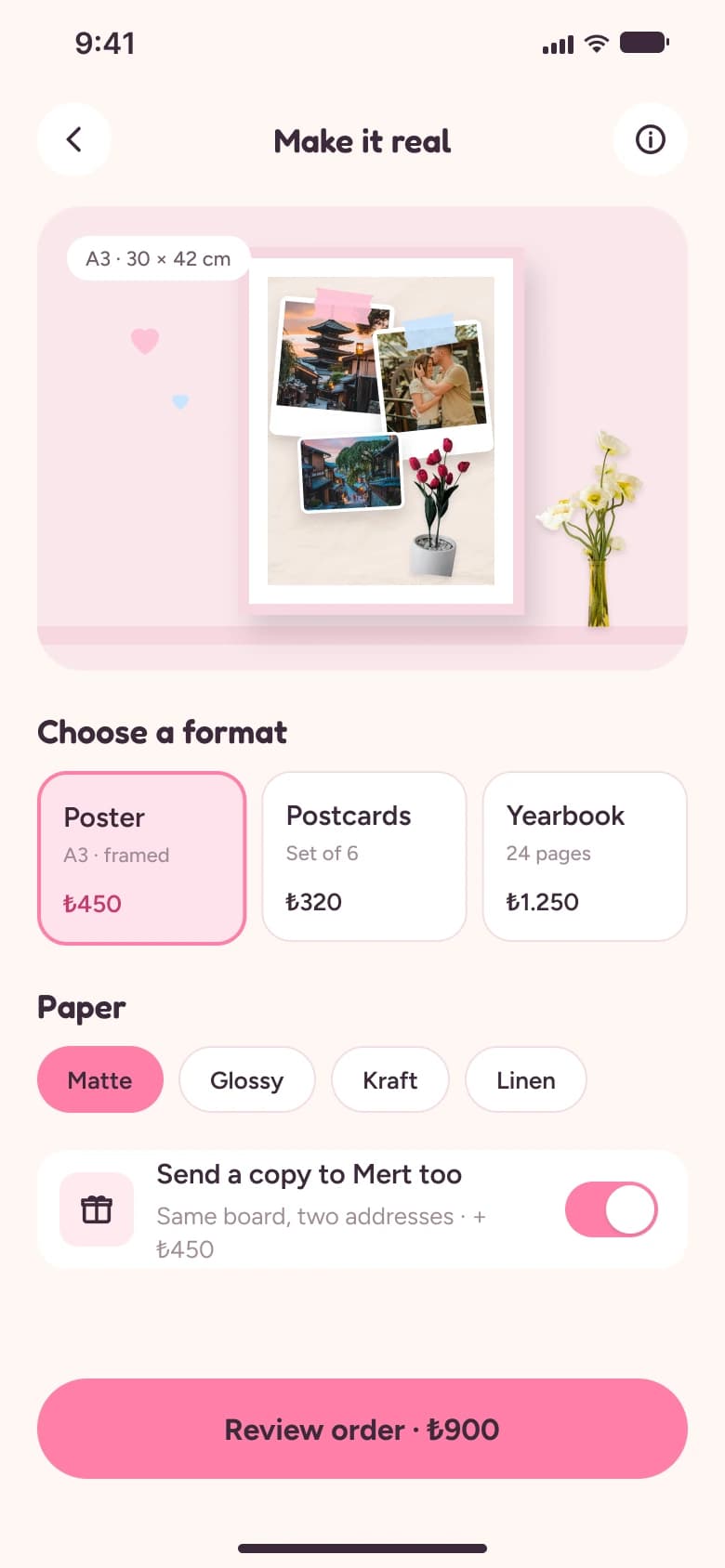
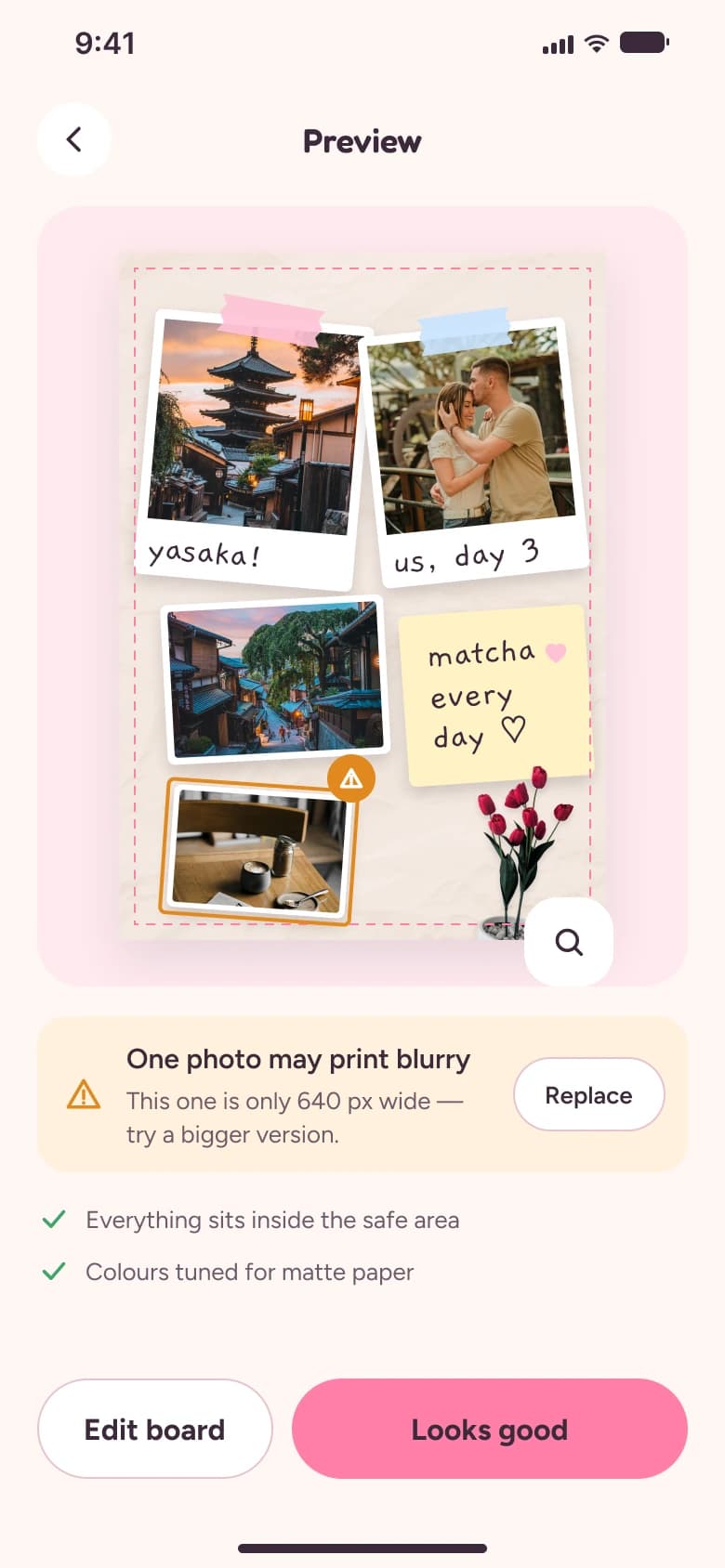
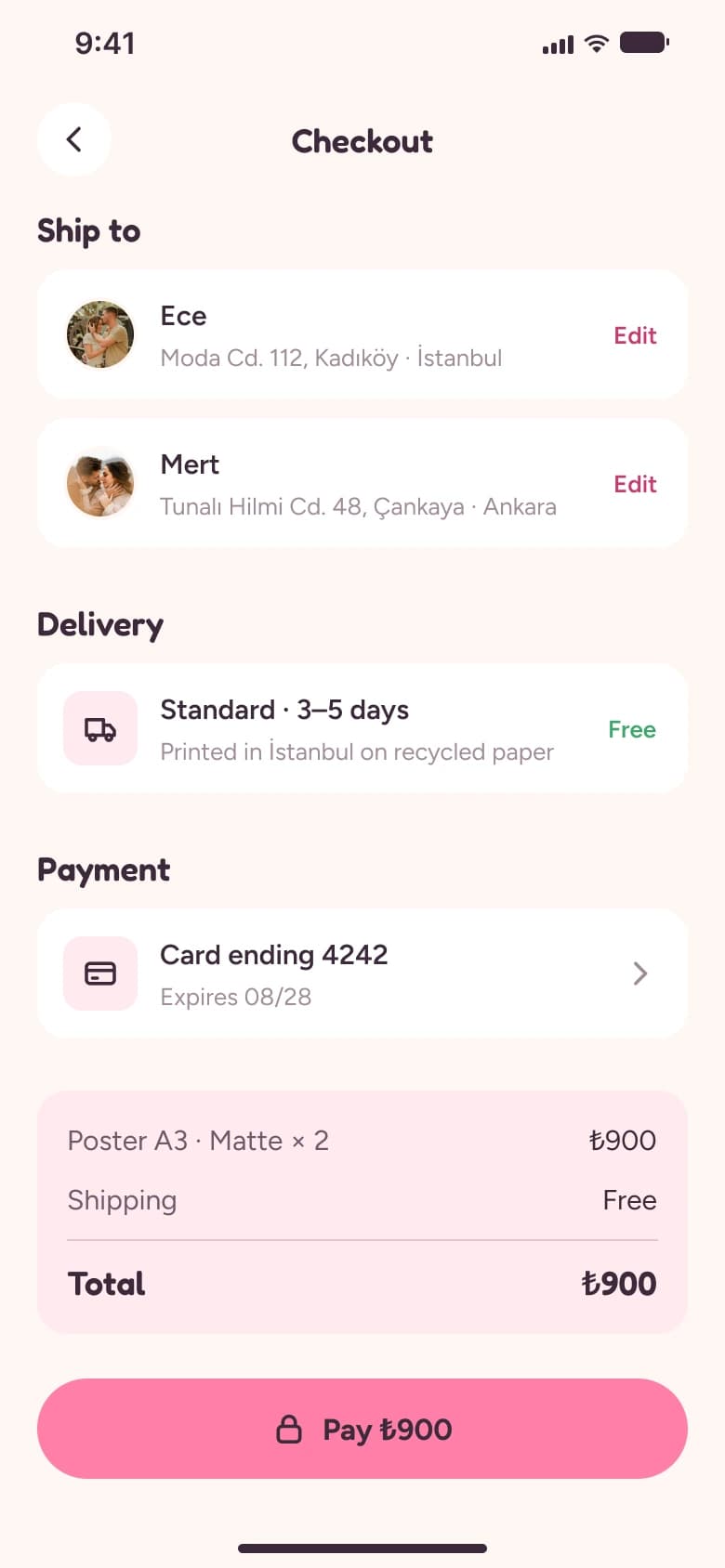
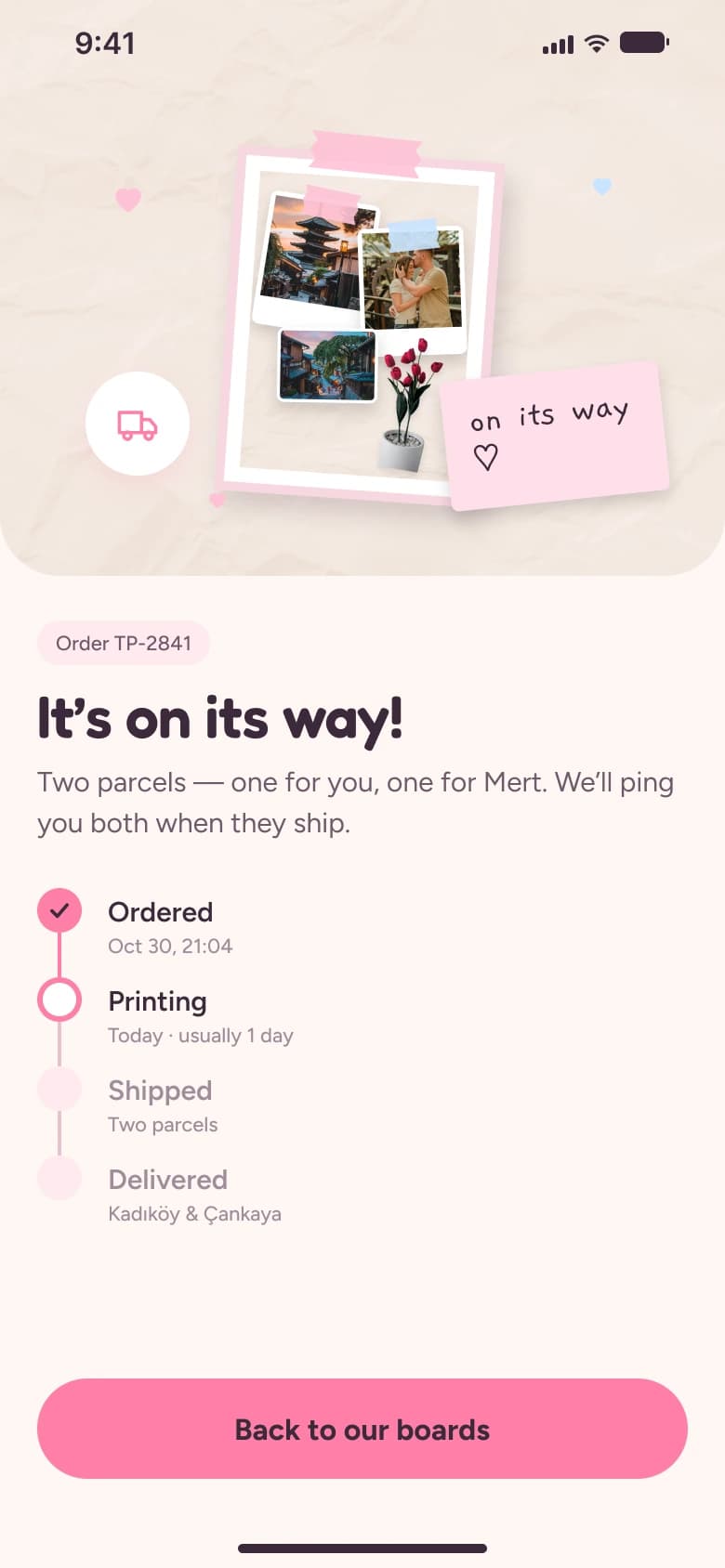
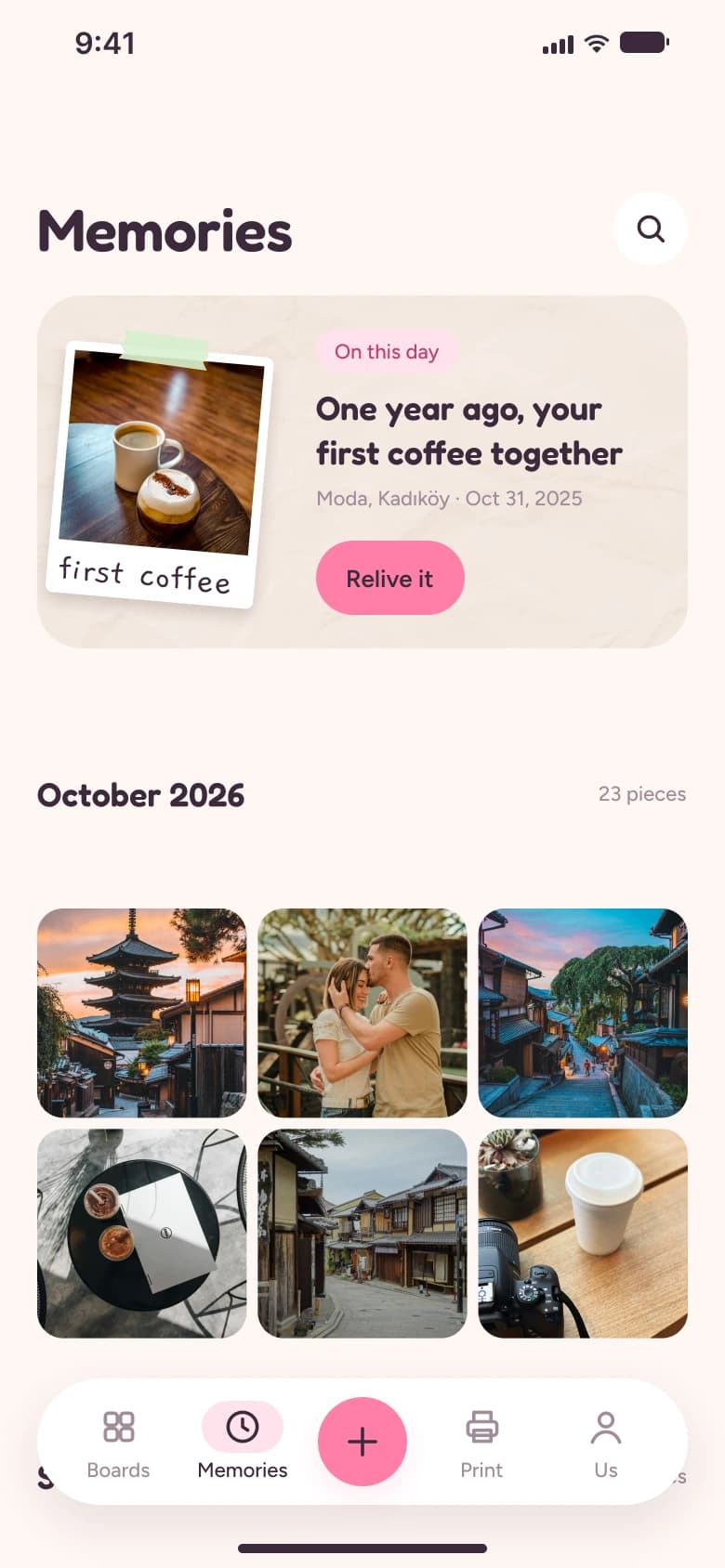
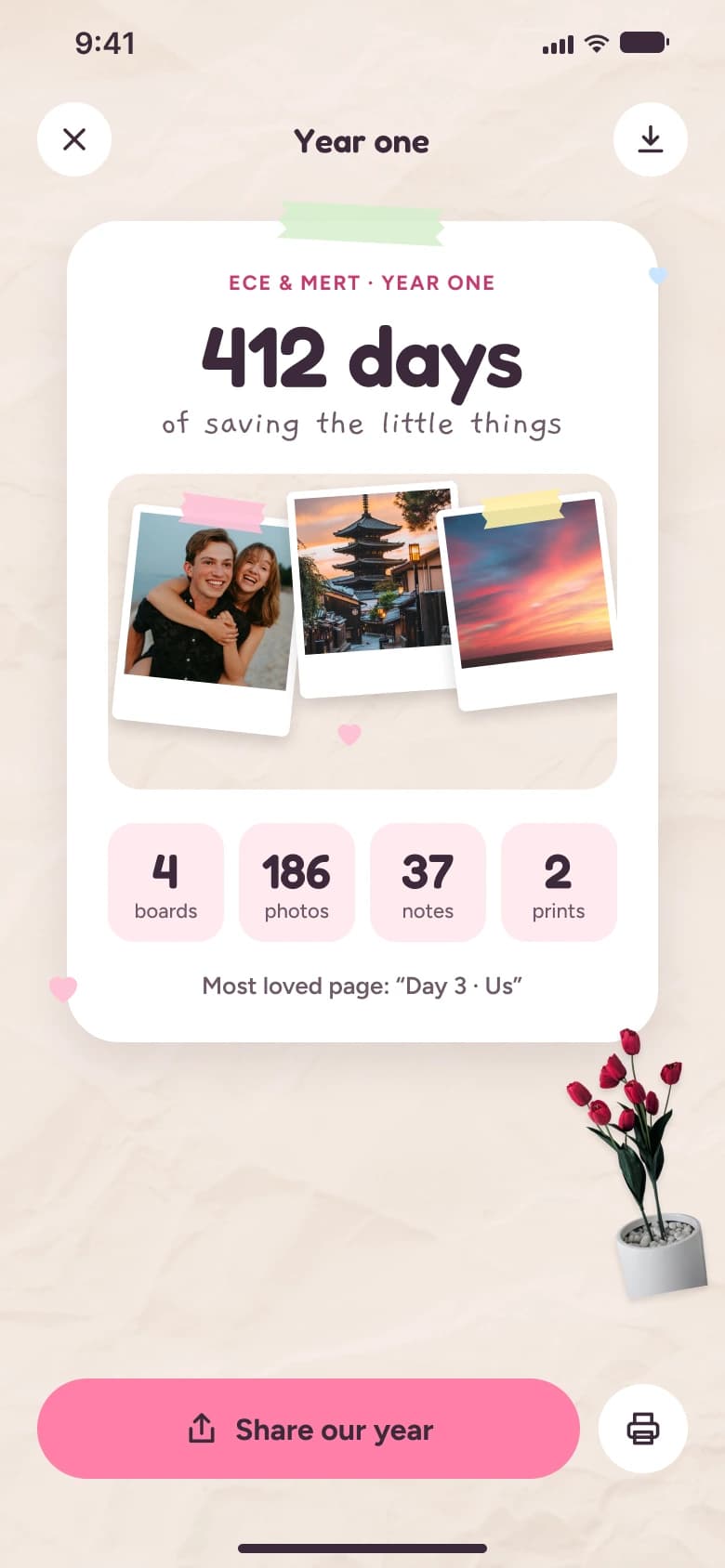
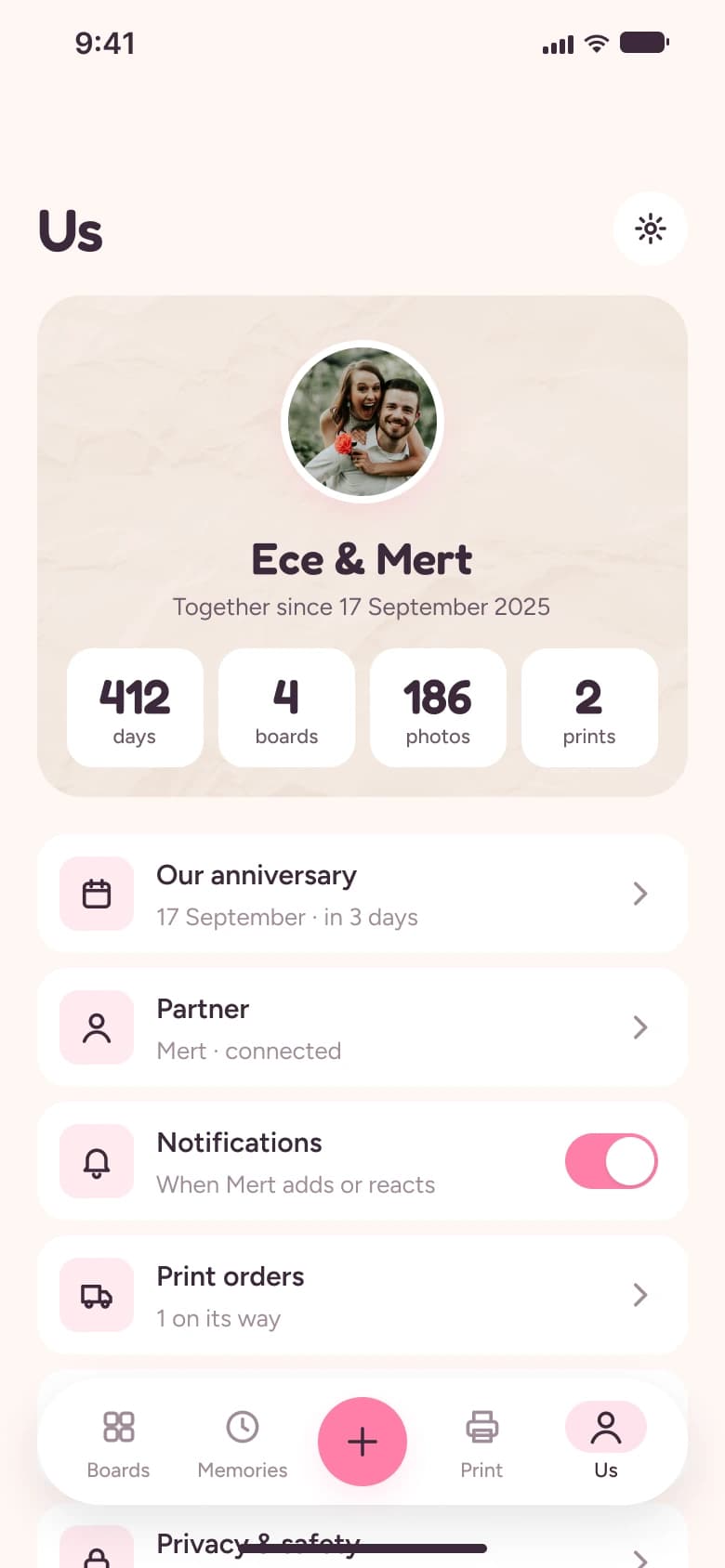
I designed the product end to end: concept exploration, information architecture, a token-based design system (52 colour, spacing and radius variables, 14 text styles, 4 shadows, 29 components, 53 icons) and 28 iOS screens across onboarding & pairing, boards, the canvas, live co-editing, surprises, memories and print ordering.
03
Research & inspiration
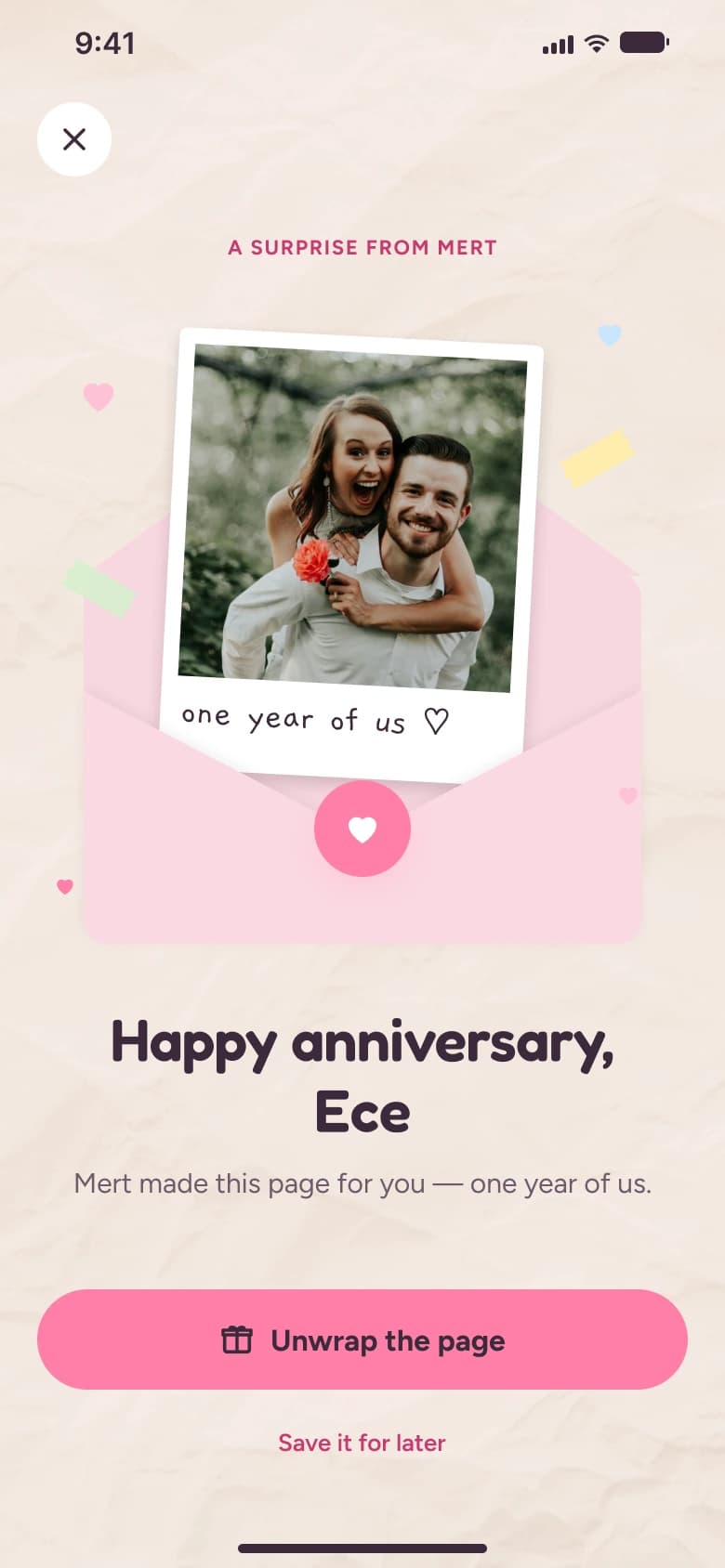
I looked at moodboard, journaling and couples apps on Mobbin and Pinterest, and at real paper scrapbooks. Moodboard tools are built for one person collecting; couples apps are mostly chat and countdowns. The gap was a tactile, shared making space — closer to a paper scrapbook than a feed — with a reason to come back (surprises, anniversaries) and a physical payoff (print).
04
Design process
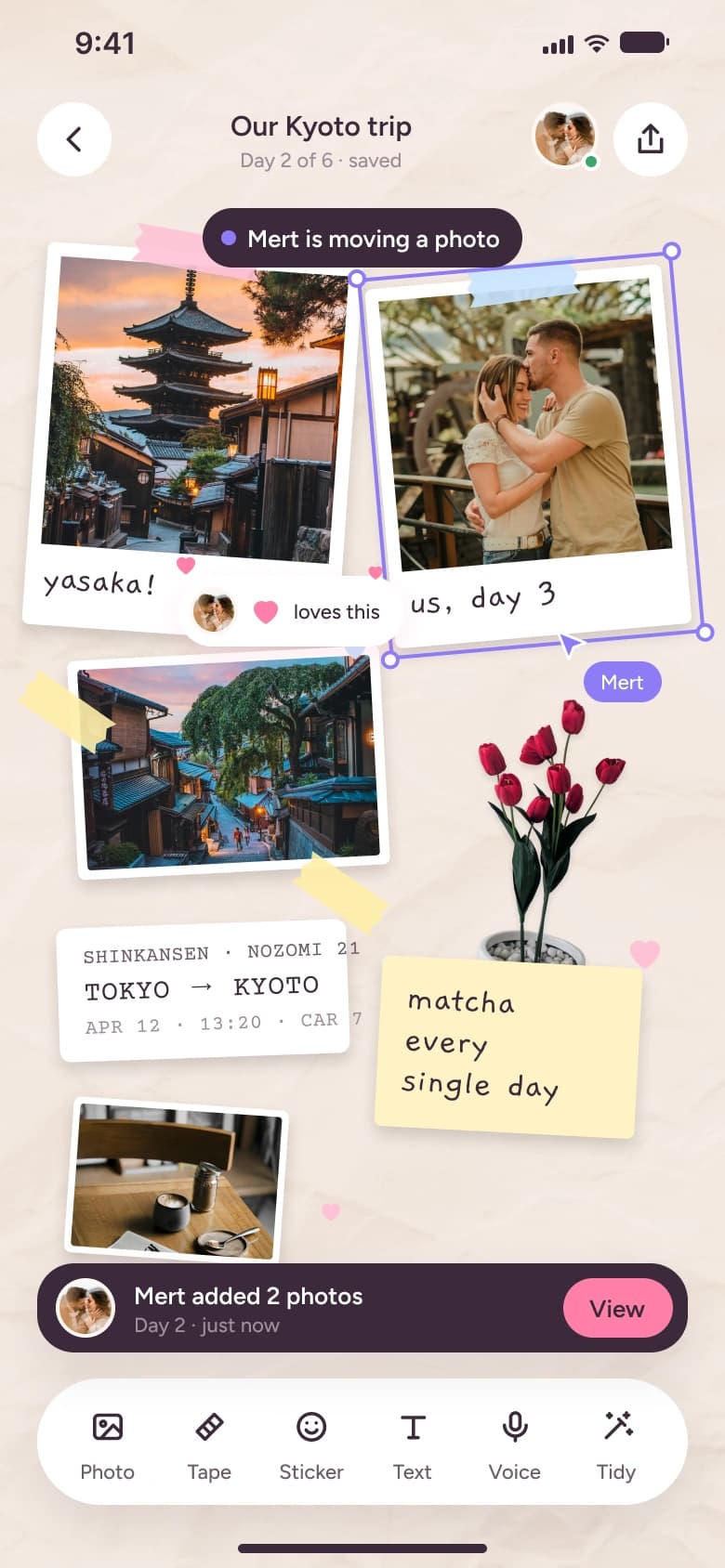
I explored five directions — Kraft, Gallery, Zine, Cutie and Pop — and chose Cutie: blush tones, rounded type and pillowy cards, so the UI feels warm but stays out of the way of the boards. Pink always means “you / act” (with ink text for 5.5:1 contrast) and lilac always means your partner — cursor, selection, presence — so live co-editing reads at a glance. Primary actions sit in the thumb zone; tape, polaroids and notes live only on the canvas.
Onboarding & pairing
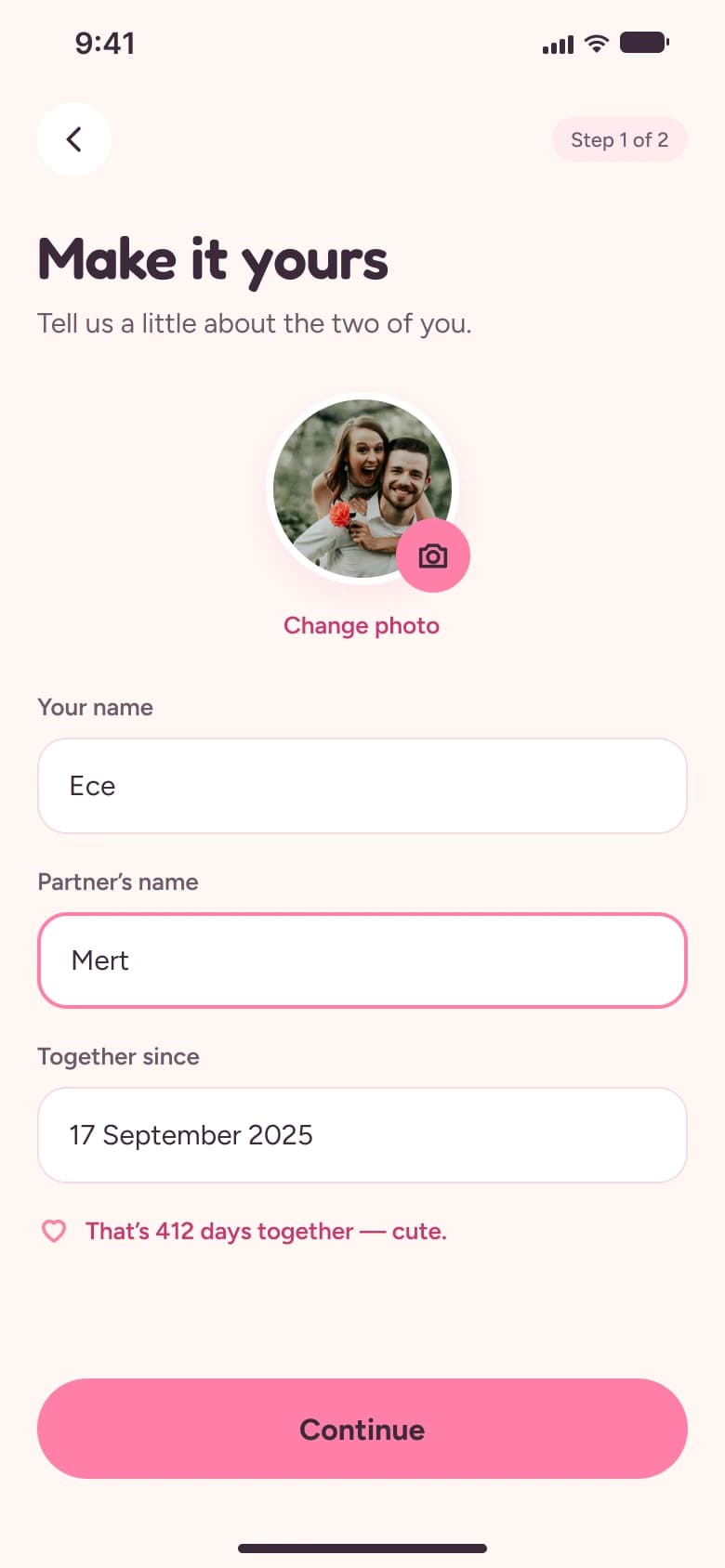
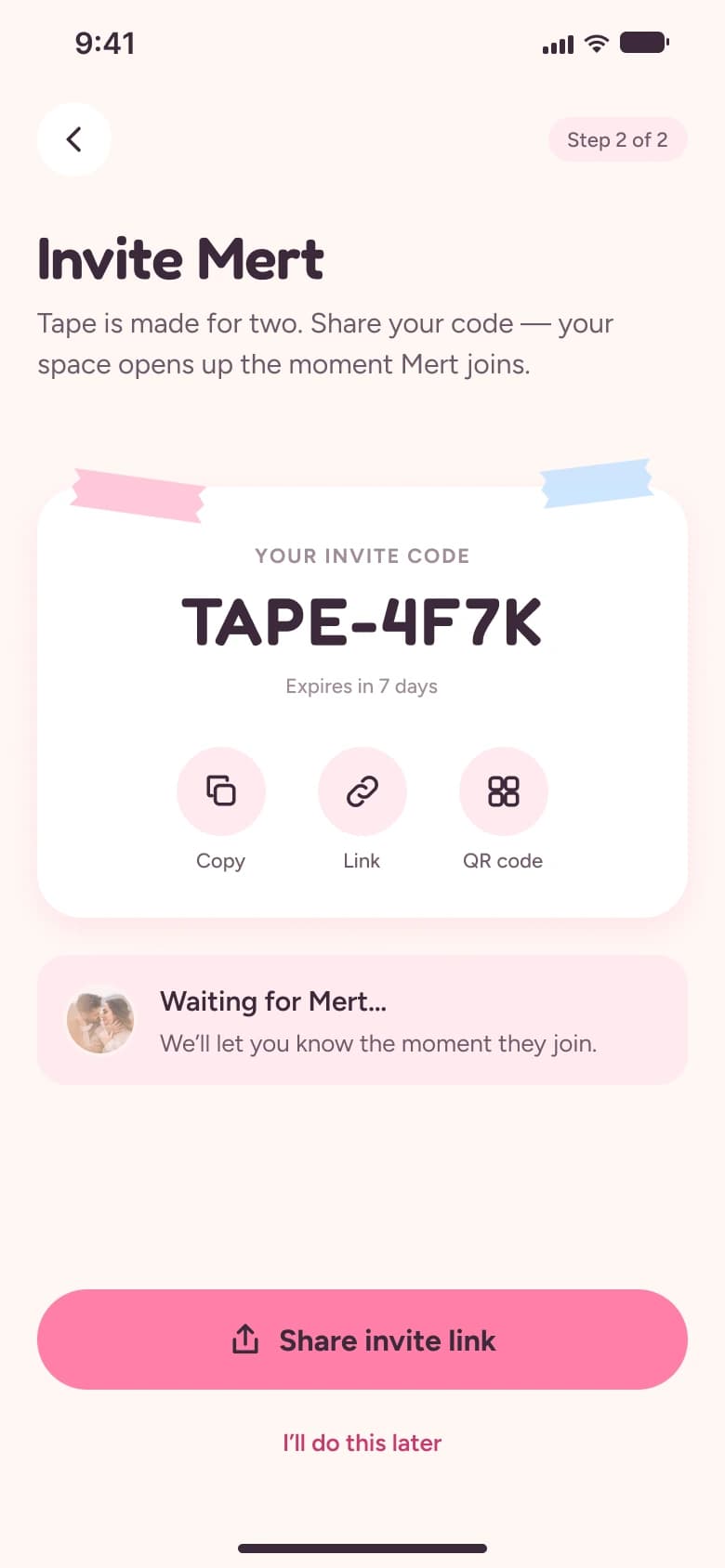
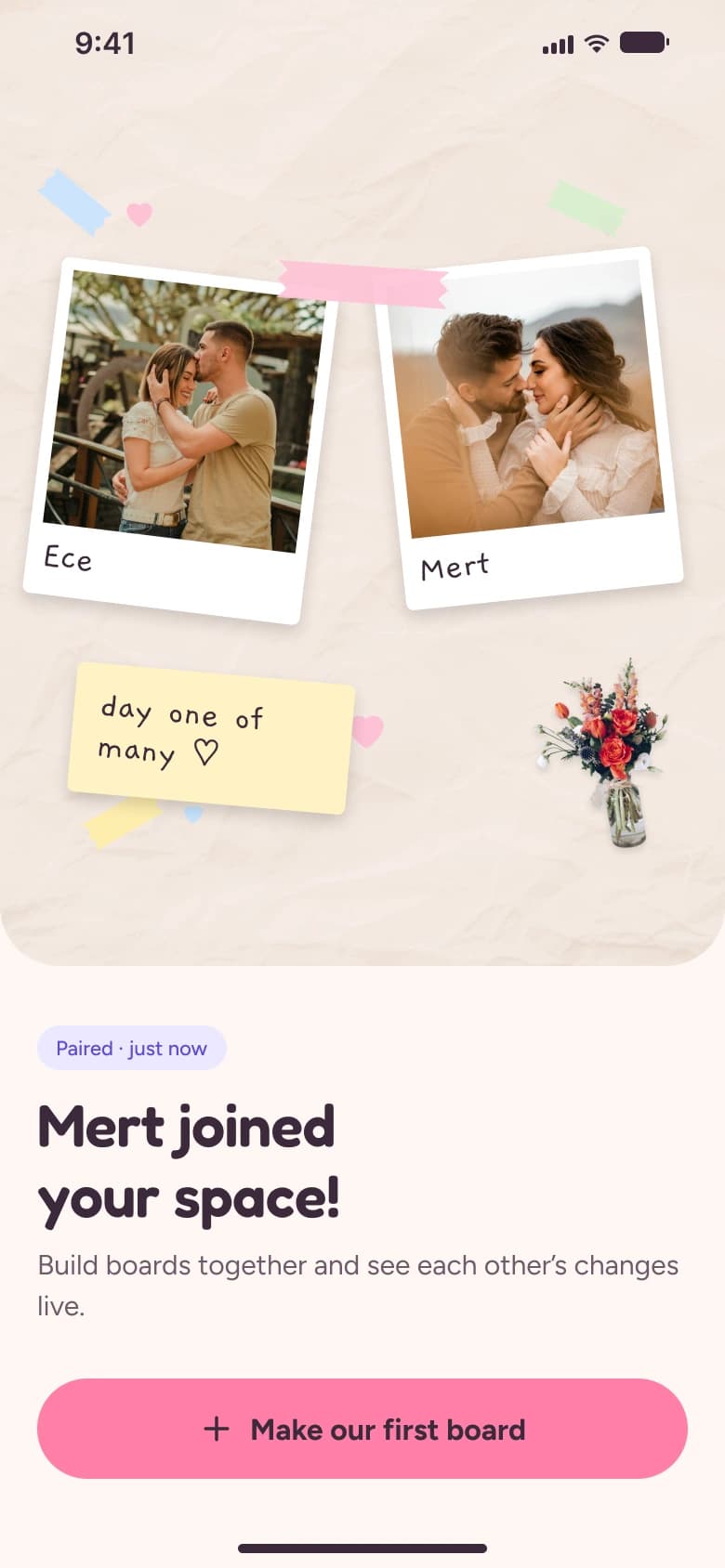
Boards
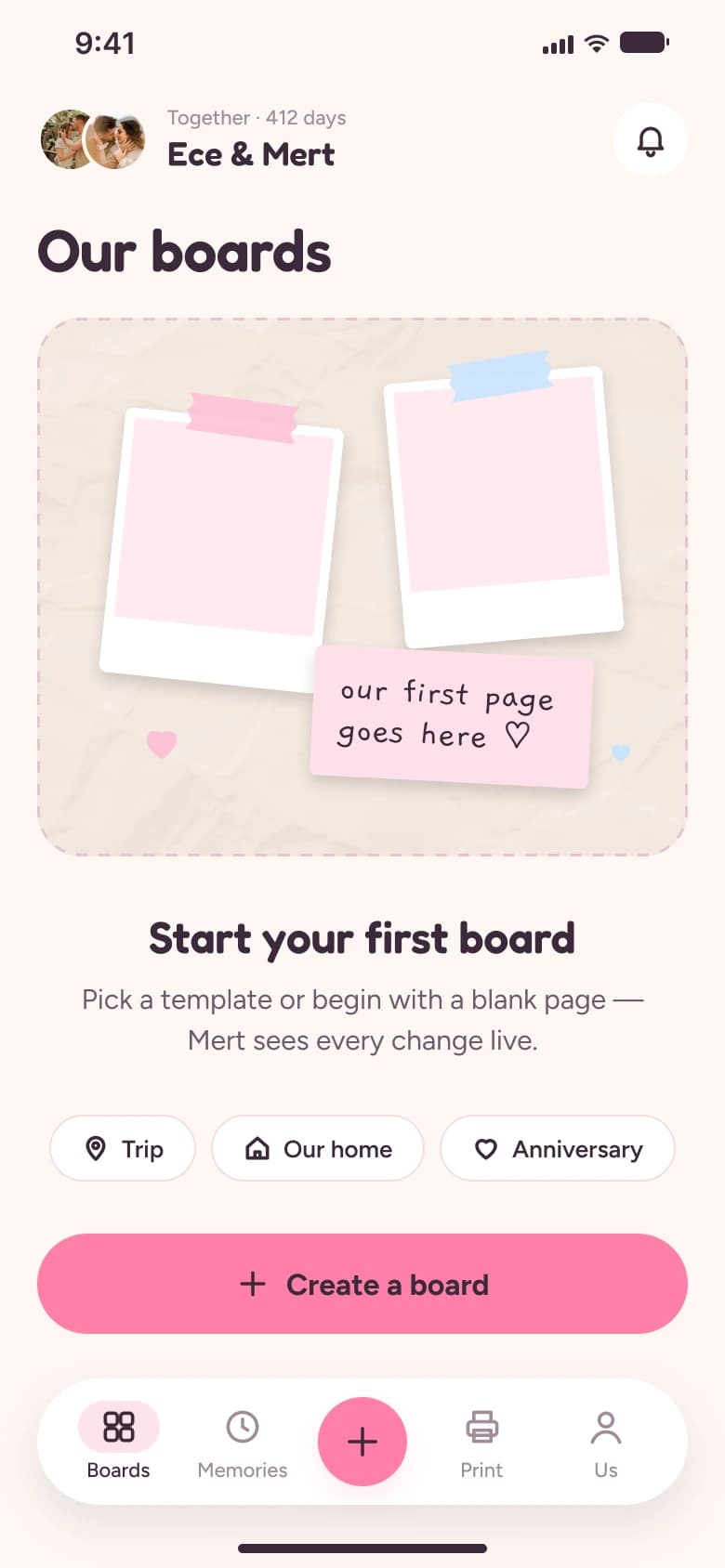
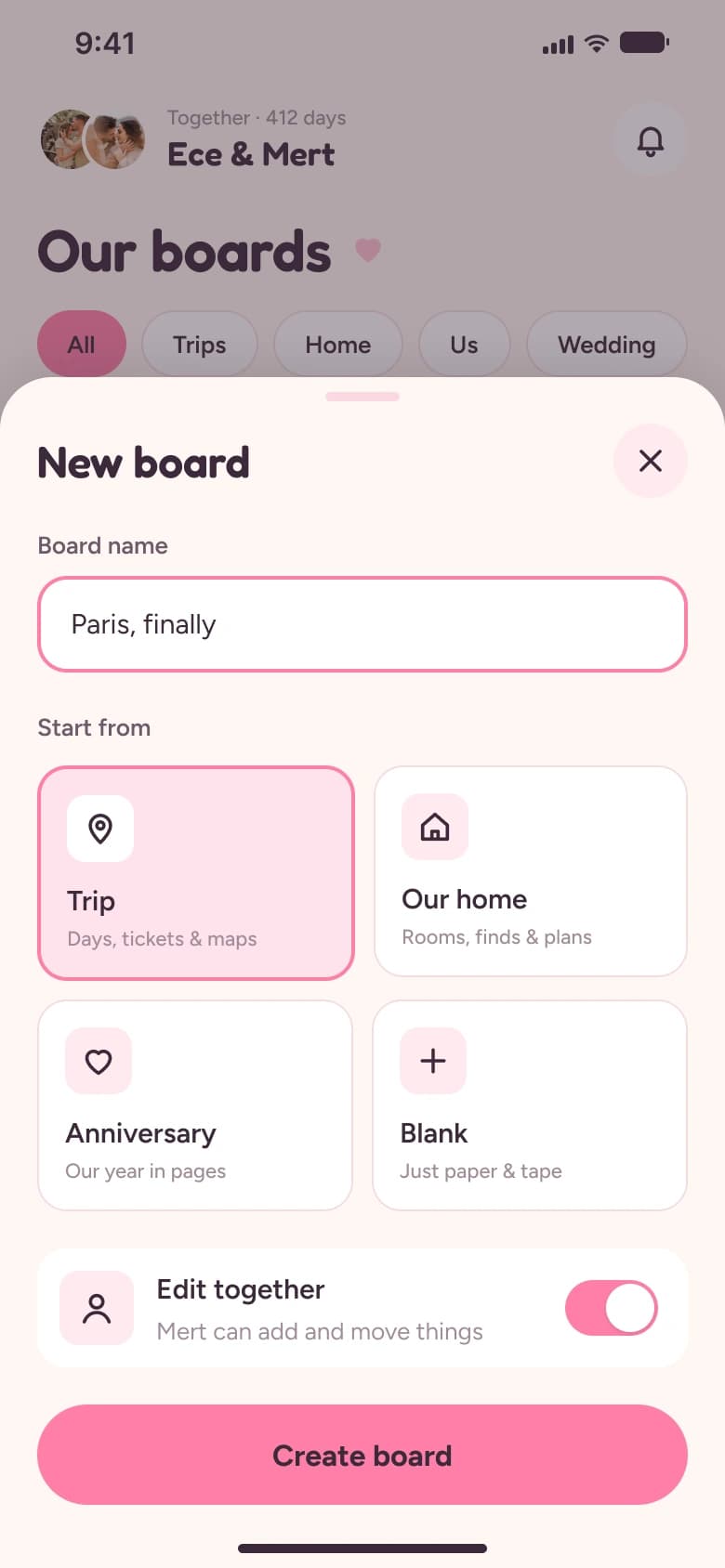
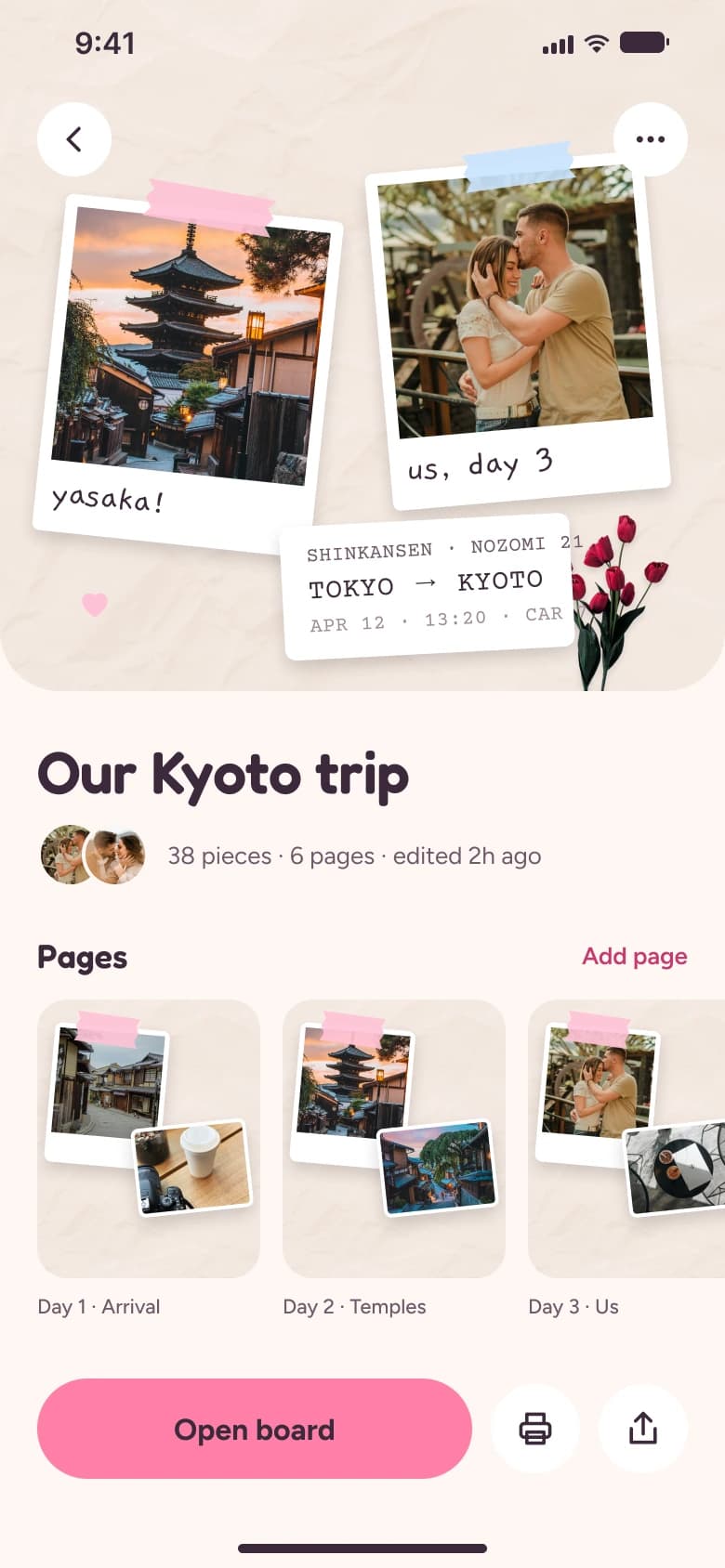
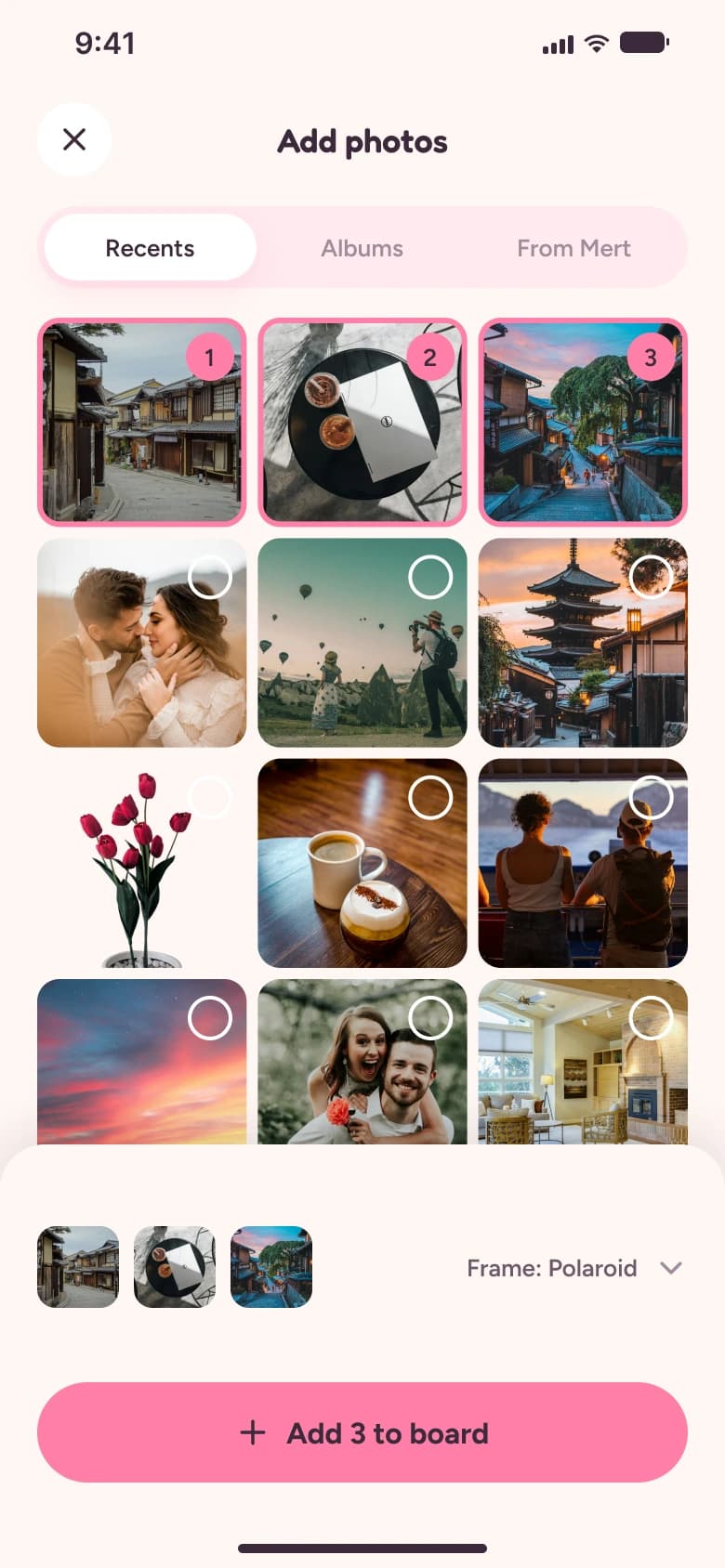
Building a board
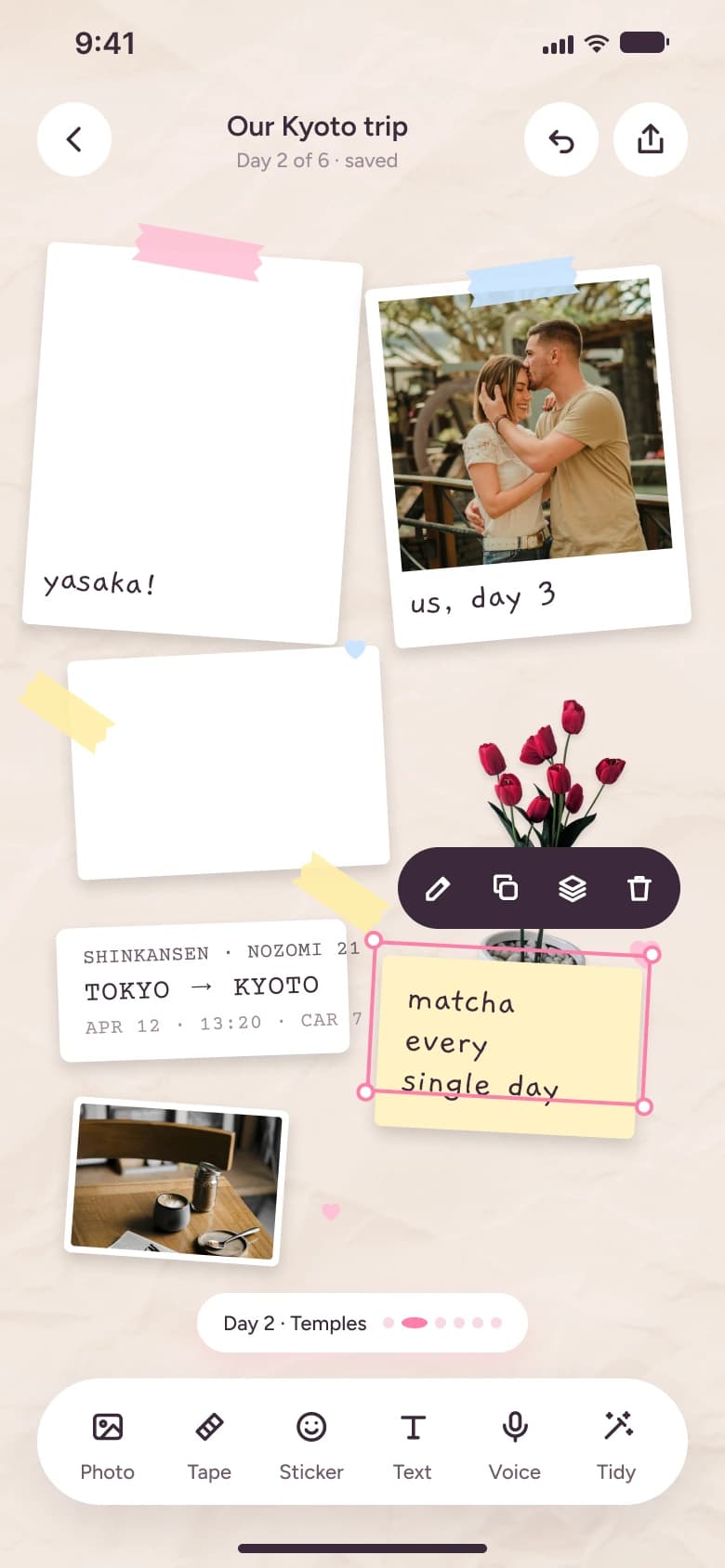
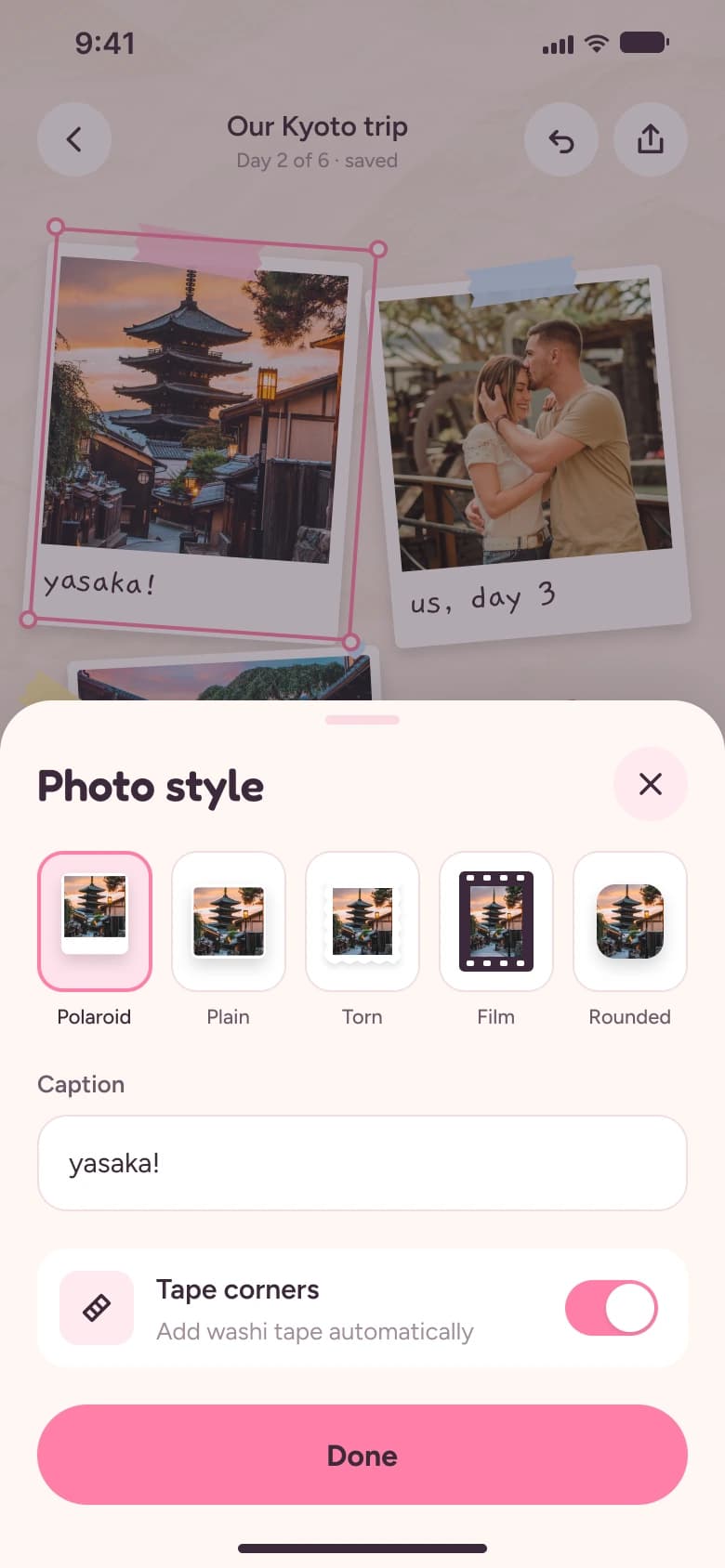
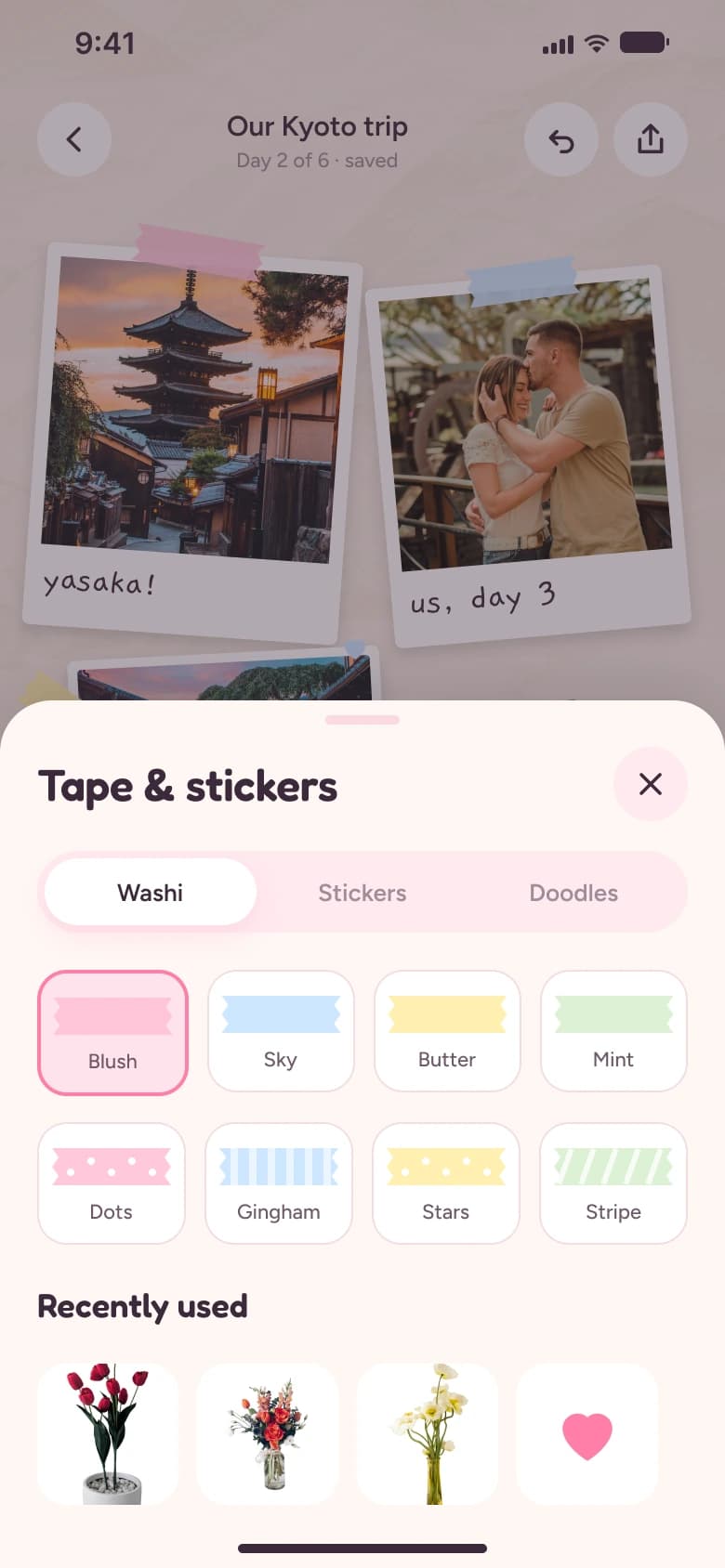
Editing together
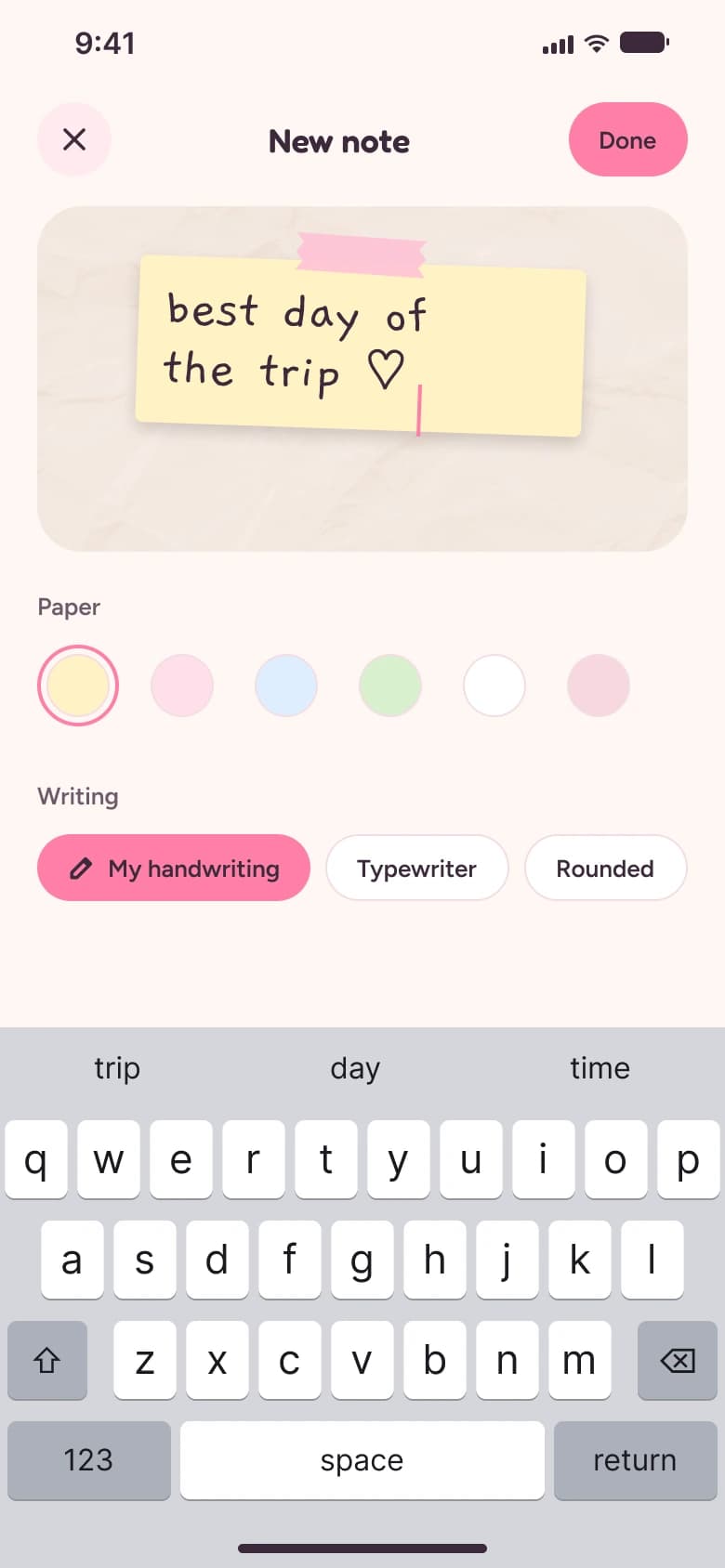
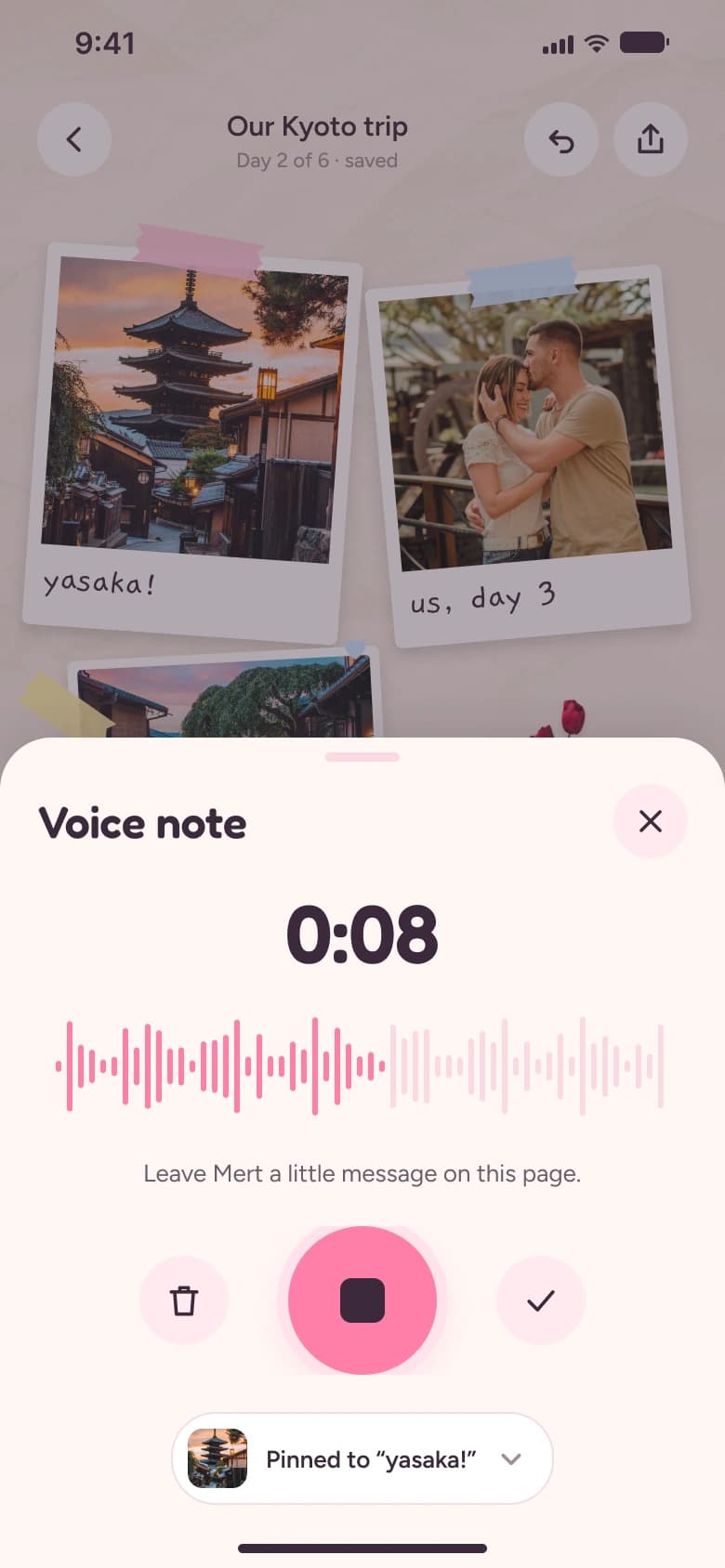
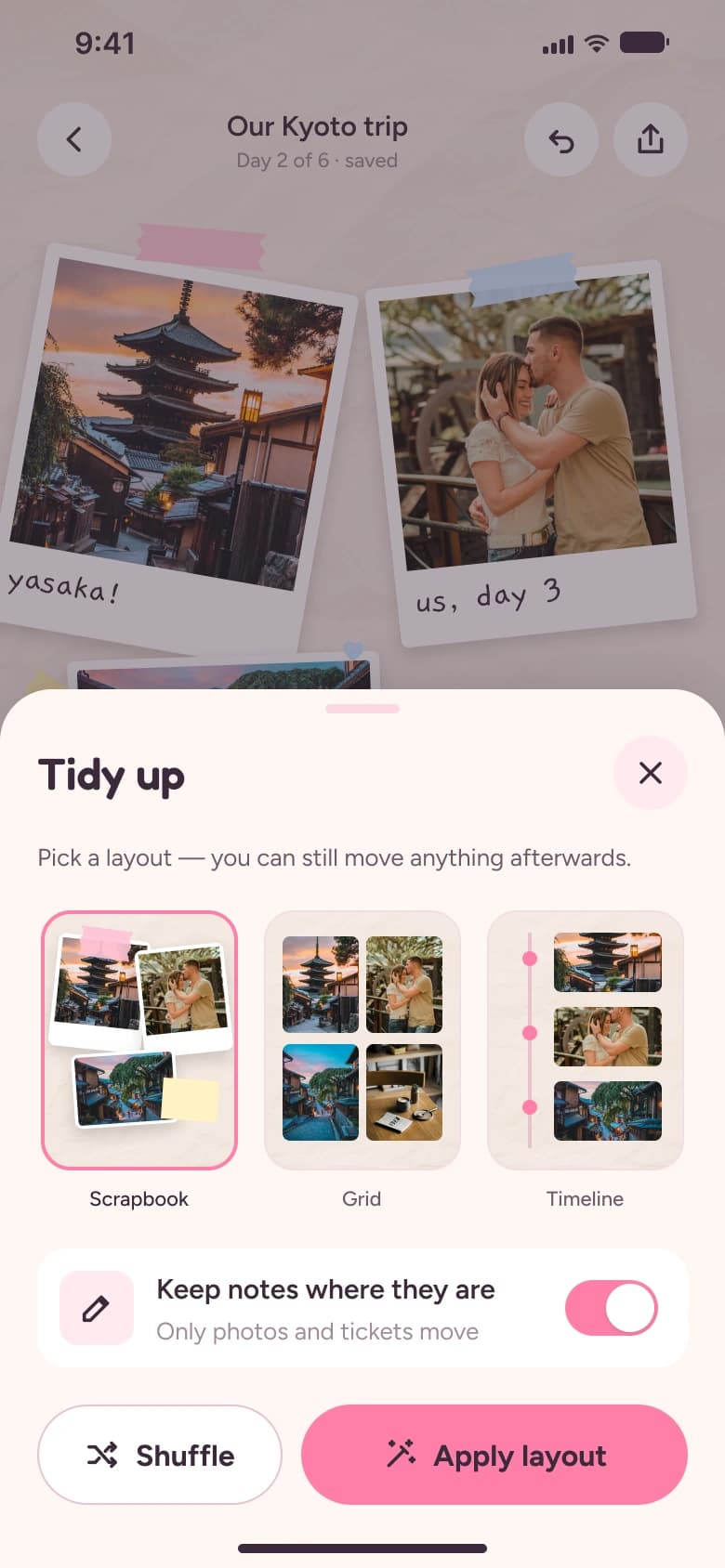
Together & surprises
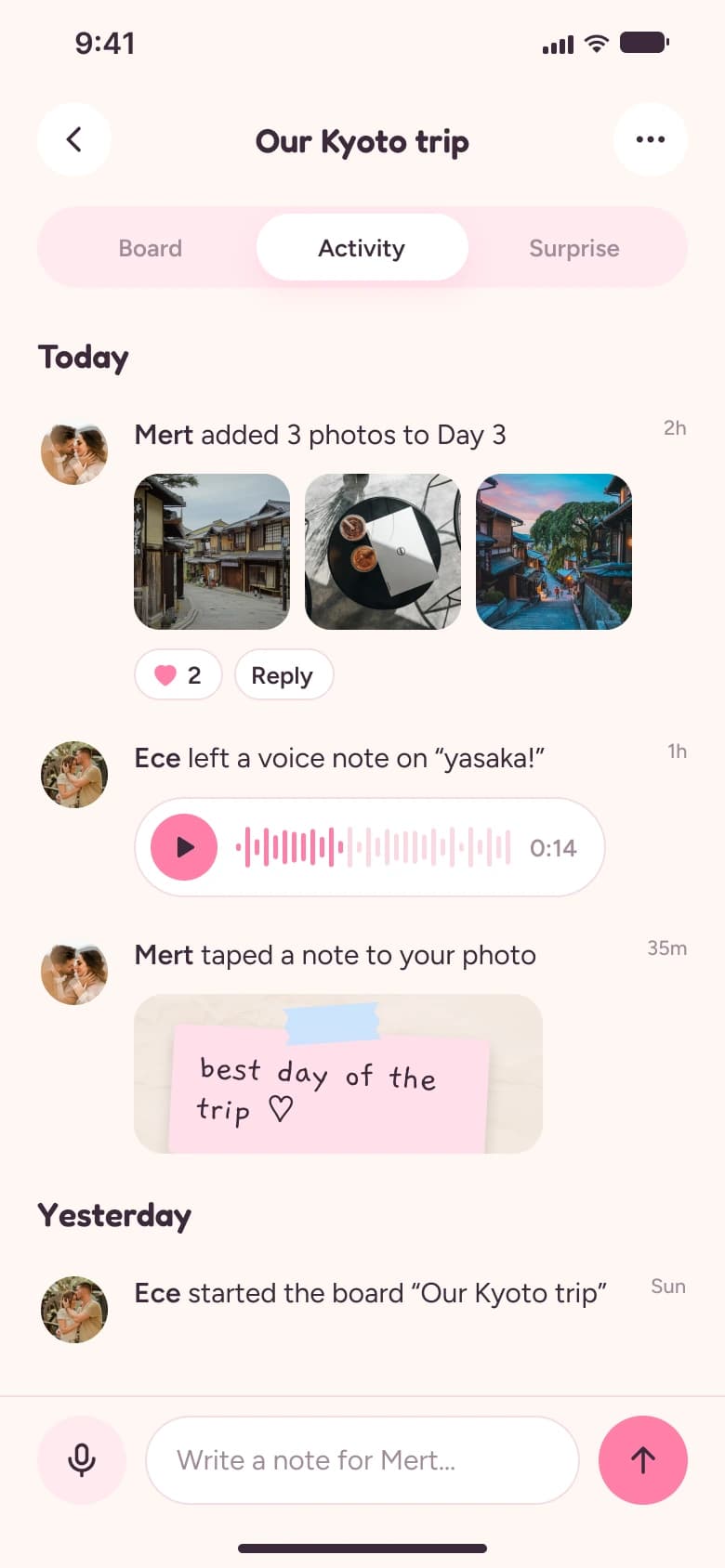
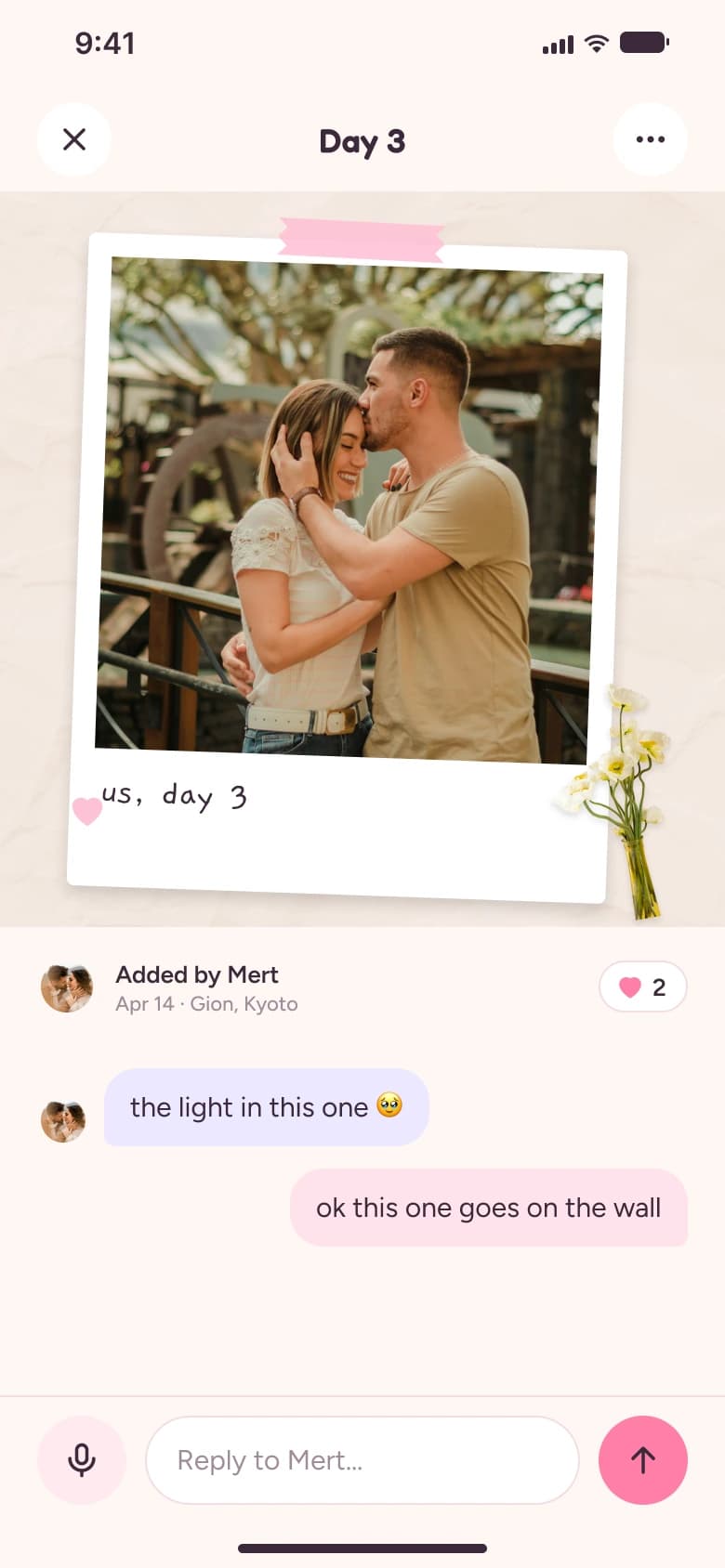
Make it real
Memories & us
05
What I learned
Real-time collaboration needs a visual grammar, not just features: one colour per person, a light presence chip and a gentle toast make two people editing at once feel cosy instead of chaotic. And a physical endpoint — the print — gives every board a reason to be finished.